
Visualization
We provide photorealistic solar parc visualizations as a service, created from the 3D data of your planned solar park.
Do you need a visualization of your planned photovoltaic system? Do you want to illustrate how effective a planted visual barrier will be?
Simply provide us with the 3D data of your solar plant layout. Additionally, we can also handle the table layout. In consultation with you, we can define elements such as vegetation, camera positions, or a desired camera path. Transitions are also possible, making various situations at key points in the terrain more comprehensible.
The digital terrain model is sourced from the geoportal of the respective country, with an accuracy of 1 meter. High-resolution orthophotos are also provided to enhance the realism of the visualization.
We can also enhance important areas with additional objects upon request, making the presentation even more convincing.
One of the primary reasons for a visualization is, for example, illustrating the hedge planting around the solar park. With a transition effect, you can demonstrate the park boundary in the video both with and without planting.
By using accurate sunlight simulation and considering the geoposition, shadow studies can also be shown in the animation.
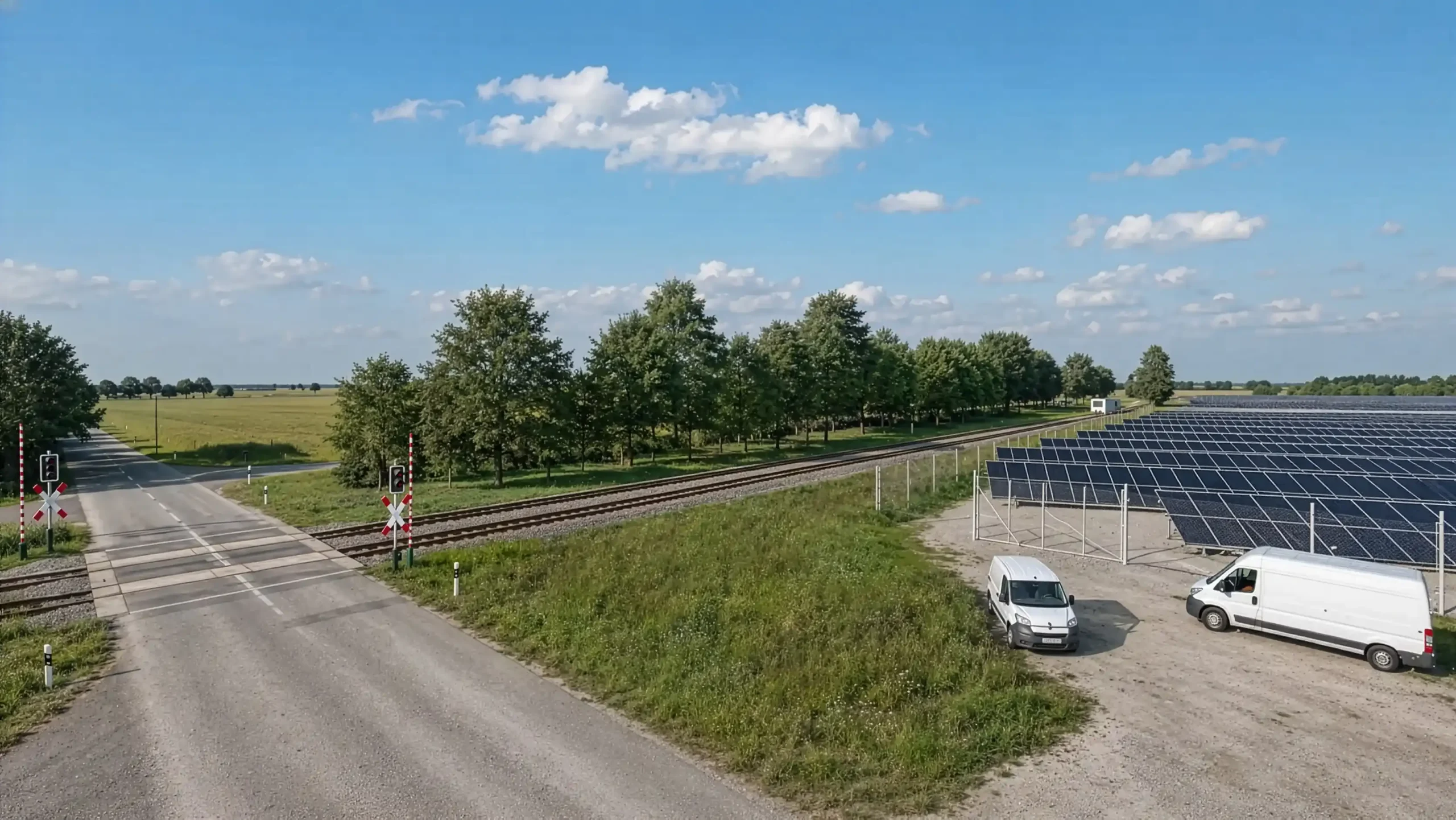
Without solar park / with solar park / solar park with screening hedges
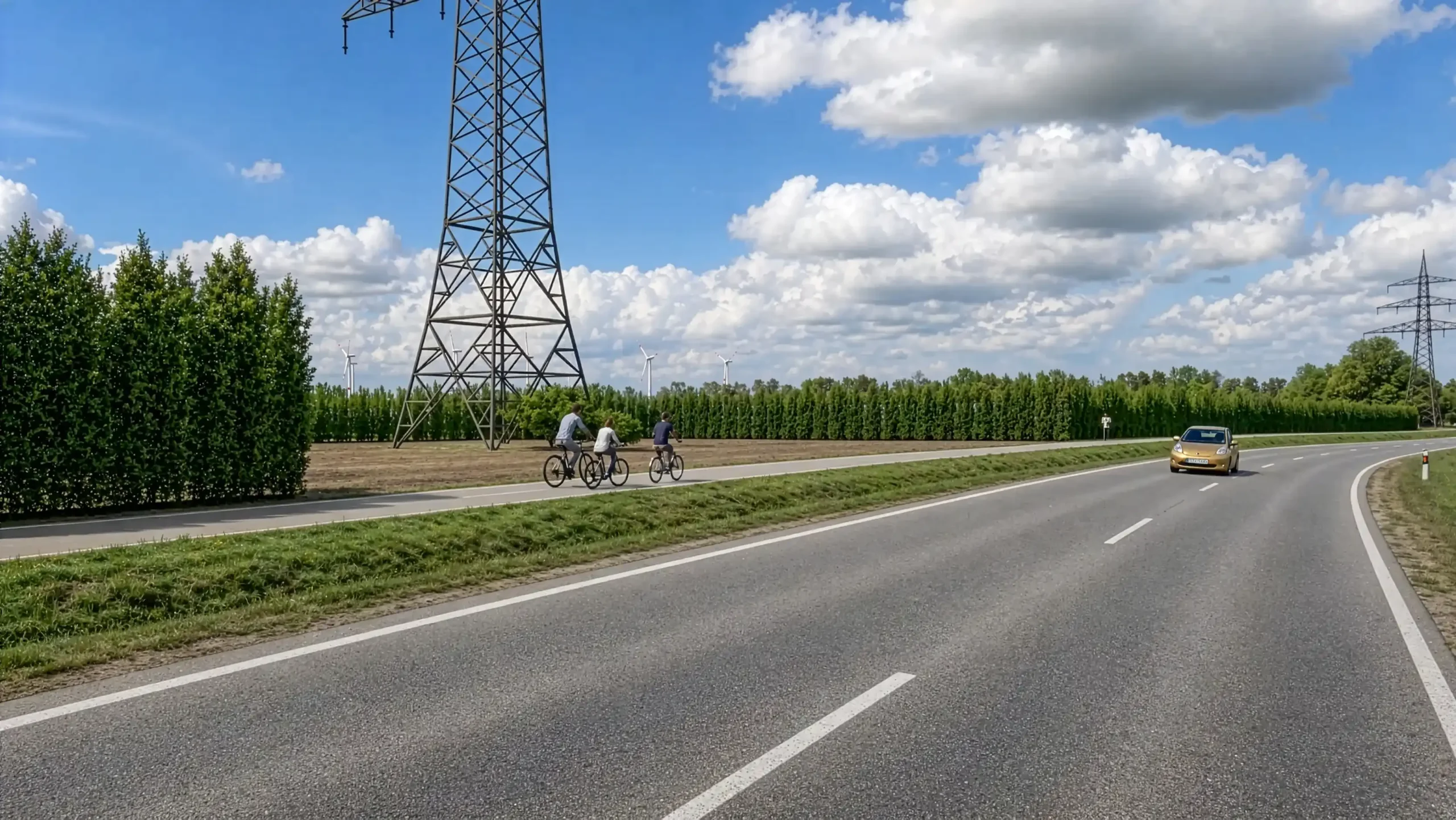
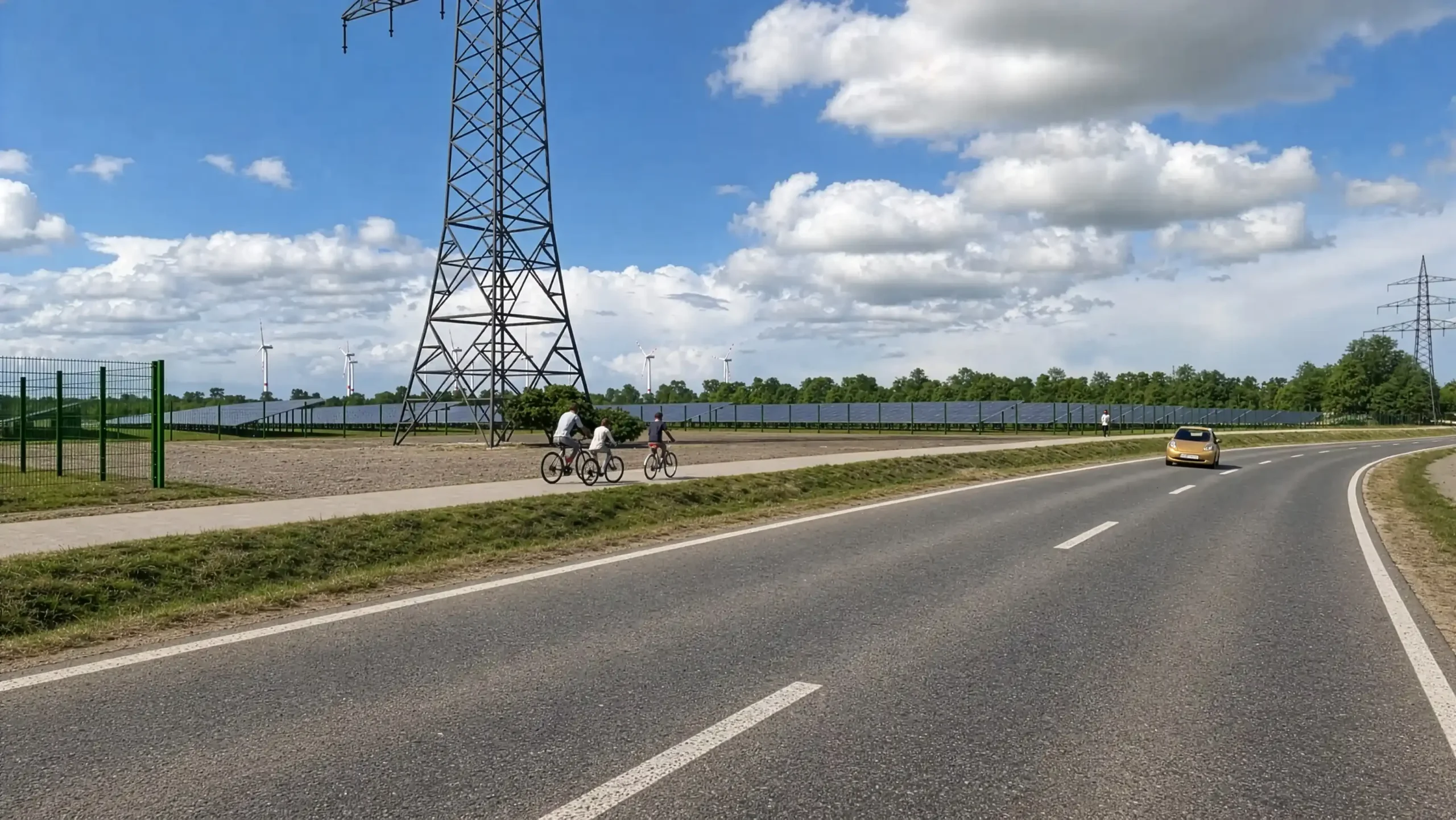
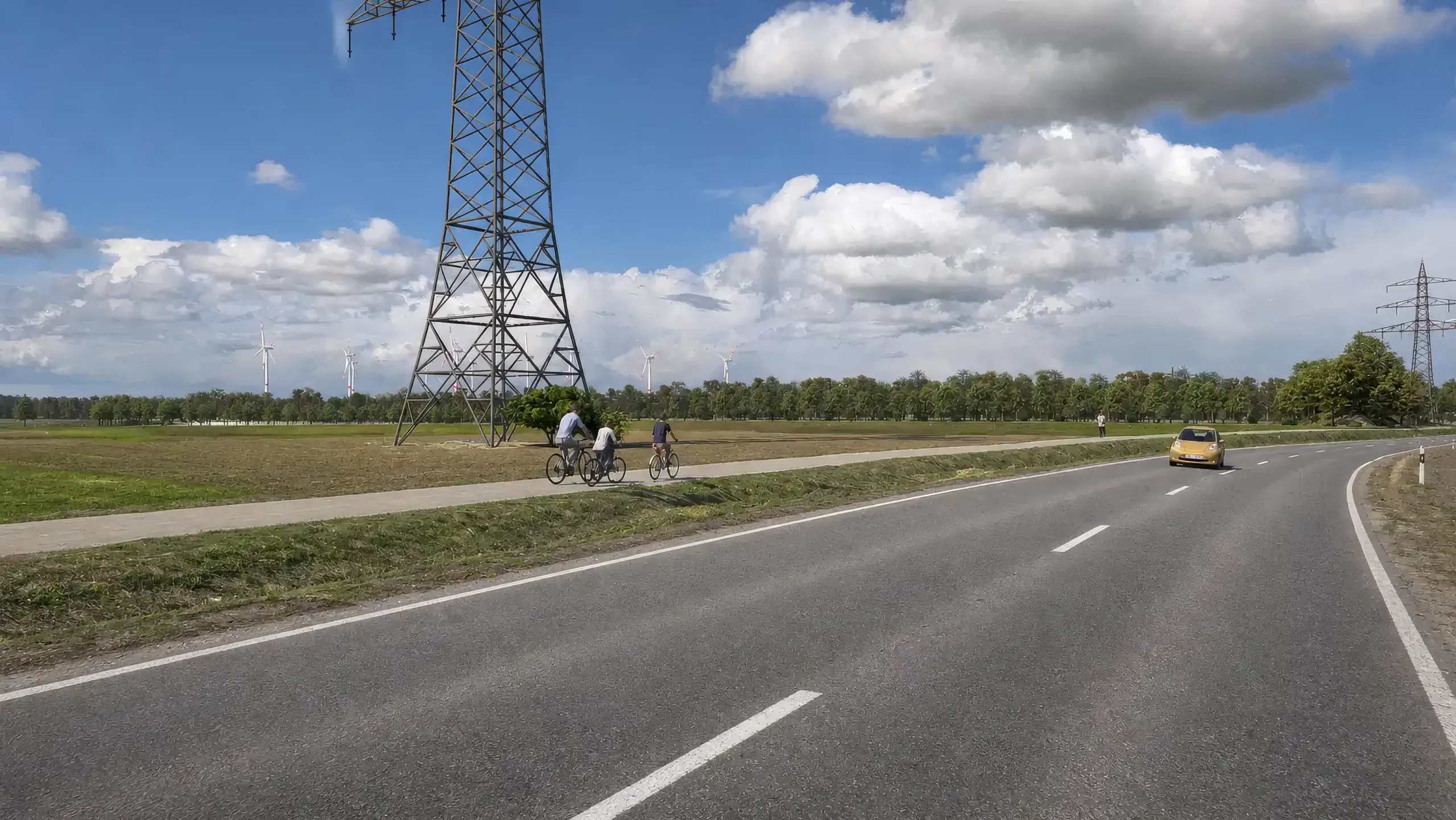
Often, several variants of a table layout are considered. Many aspects in the environment then change. Fences, visual barriers, and vegetation are adjusted to the respective situation. With the layer technique, you can switch between the different table layouts.
Screen sharing via Microsoft Teams can take place at any time. This always provides the opportunity to discuss the current project status or to jointly determine important details (such as camera positions) in the software.
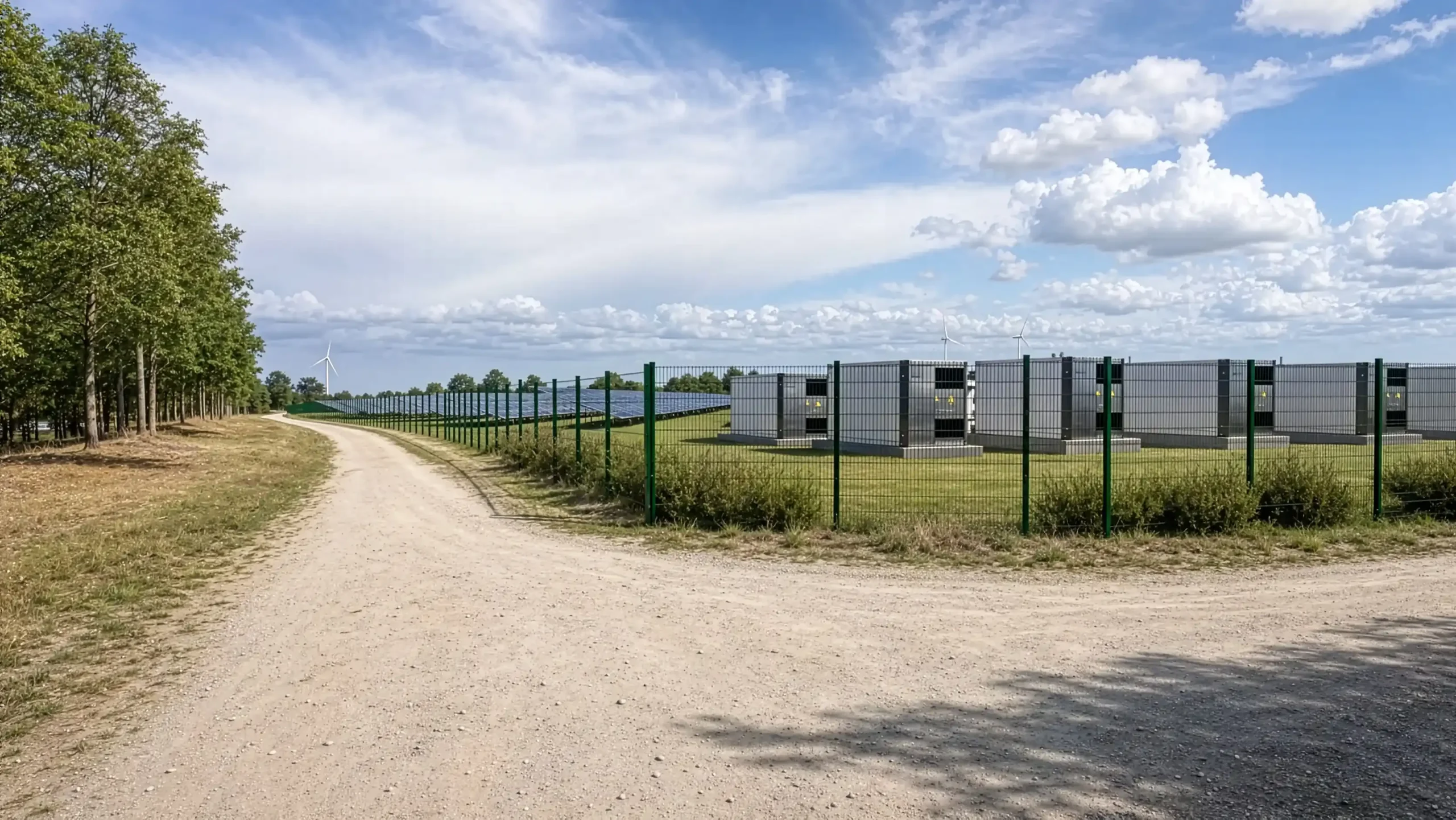
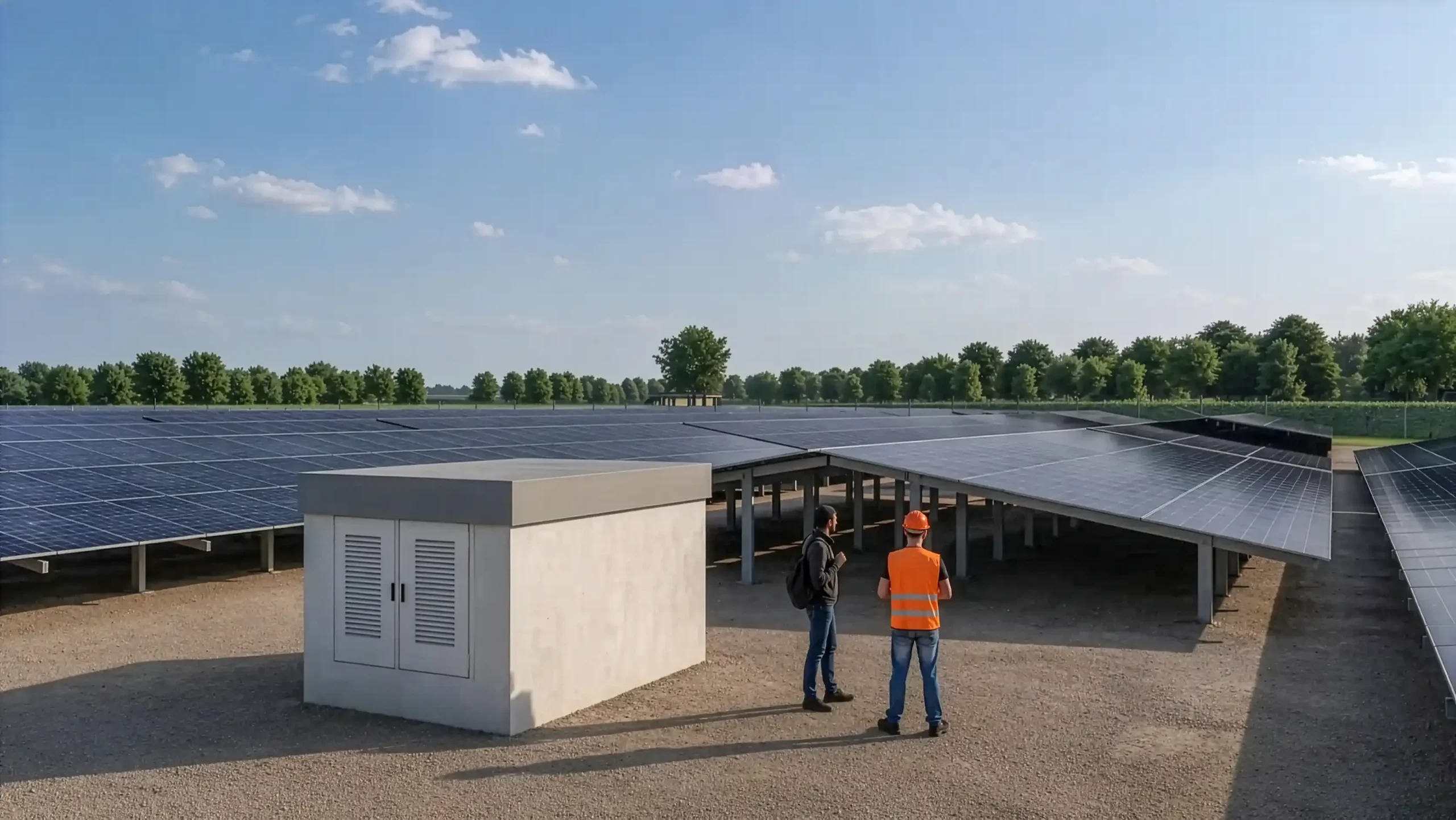
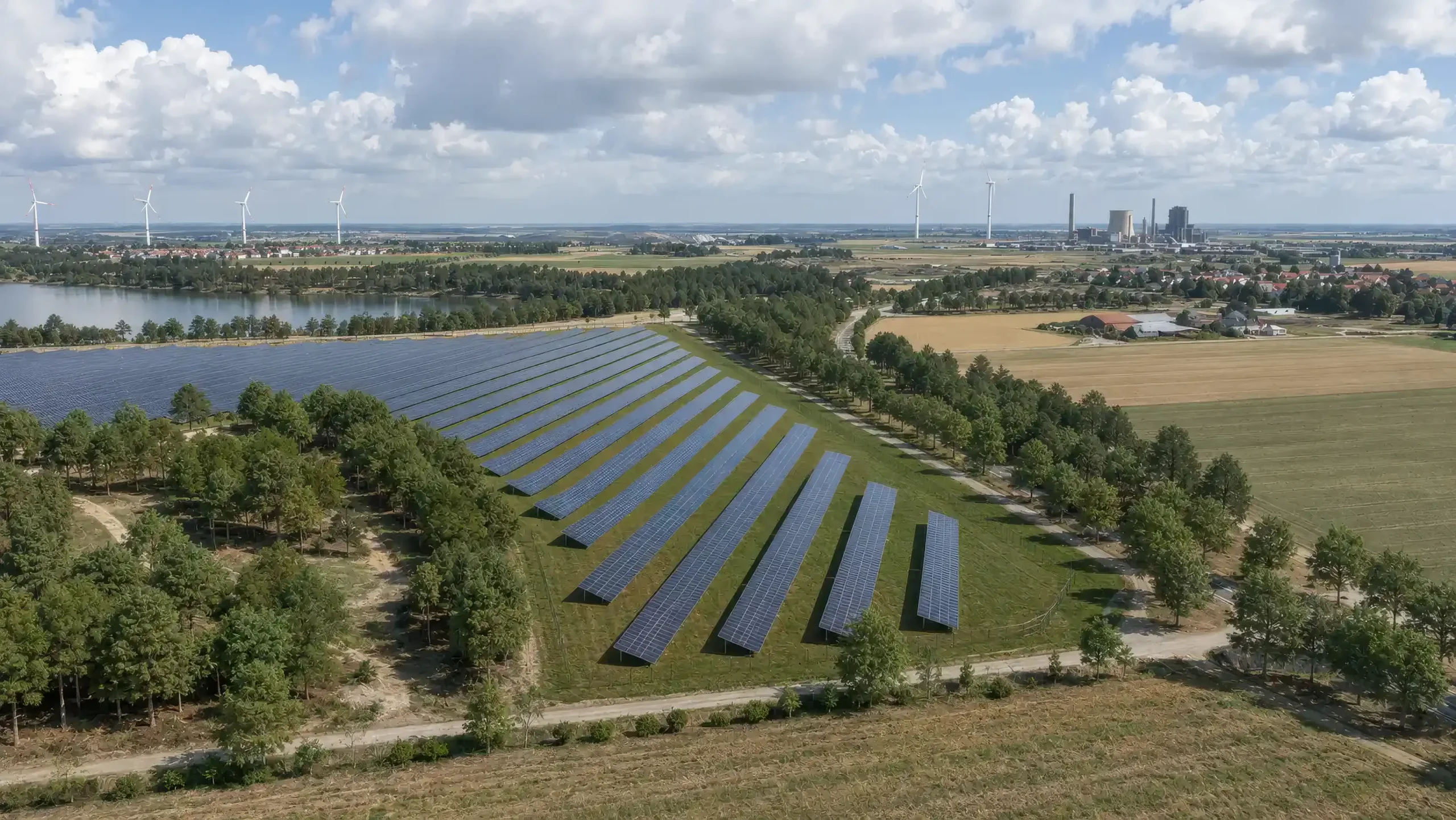
For each individual camera position, a red numbered marker is inserted into the digital terrain model. This marker indicates the position and additionally the viewing direction in the overview. Further images then optionally show this exact camera view with and without visual barriers.
Solarpark Visualization IMAGE Examples
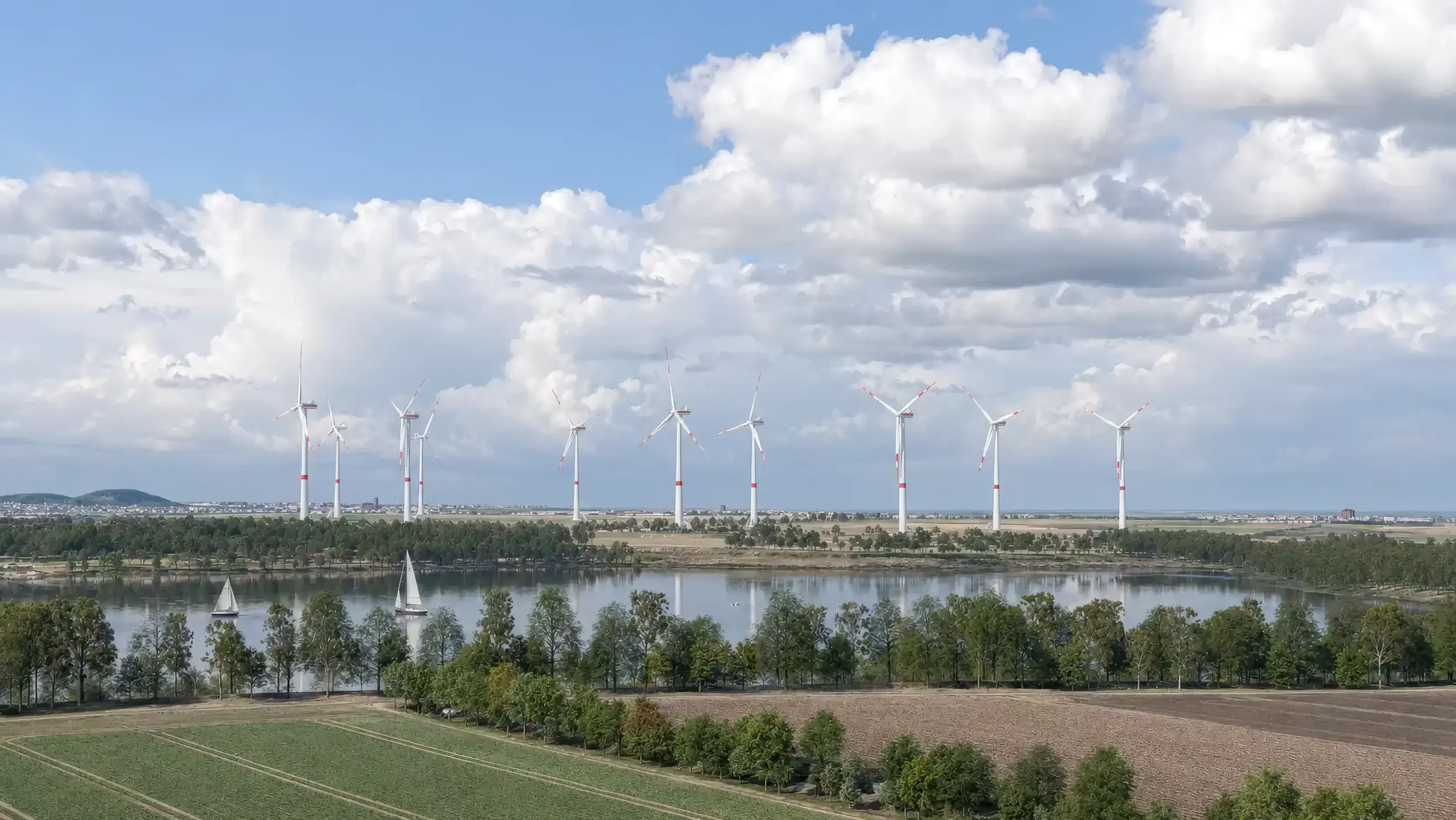
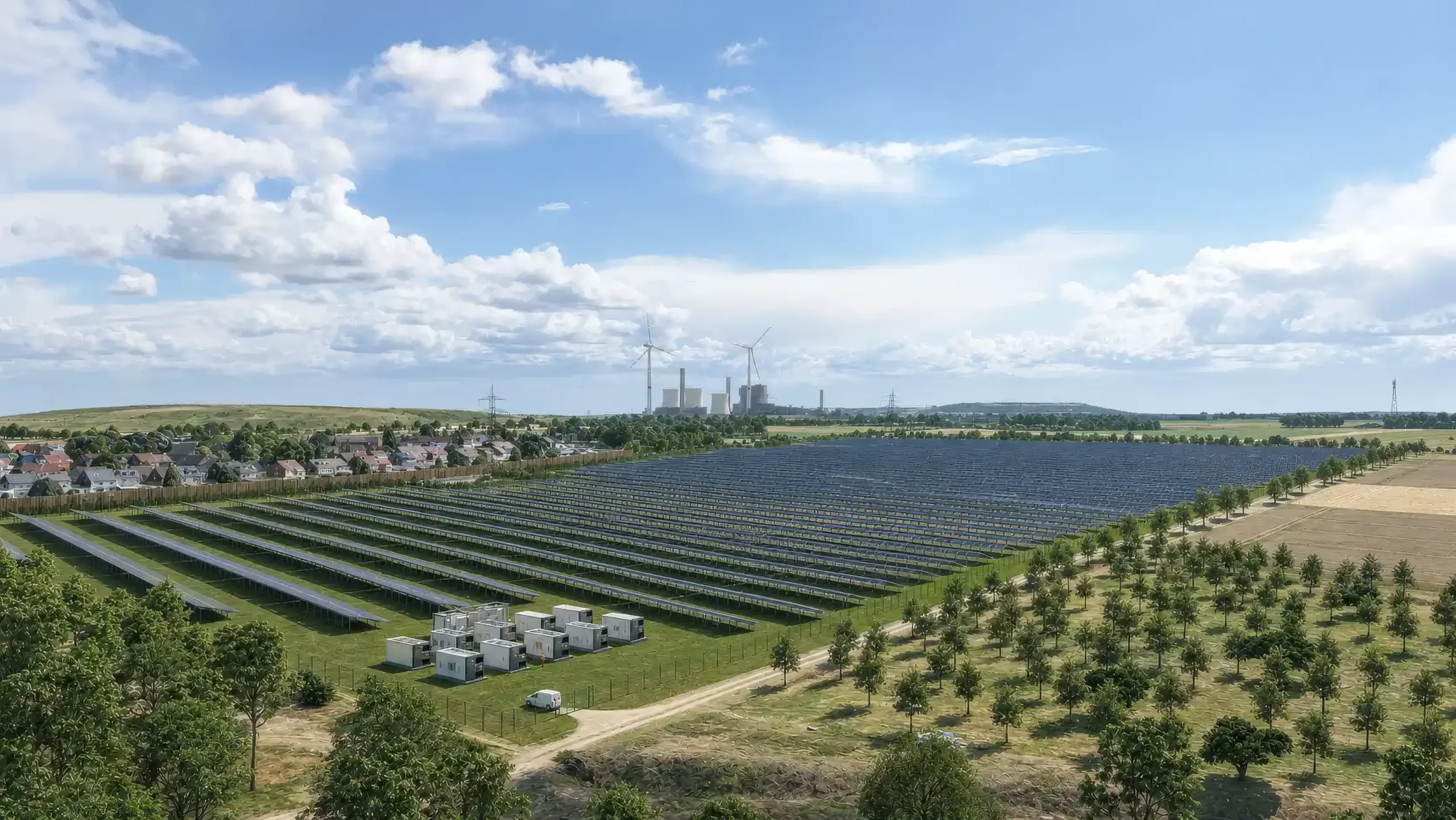
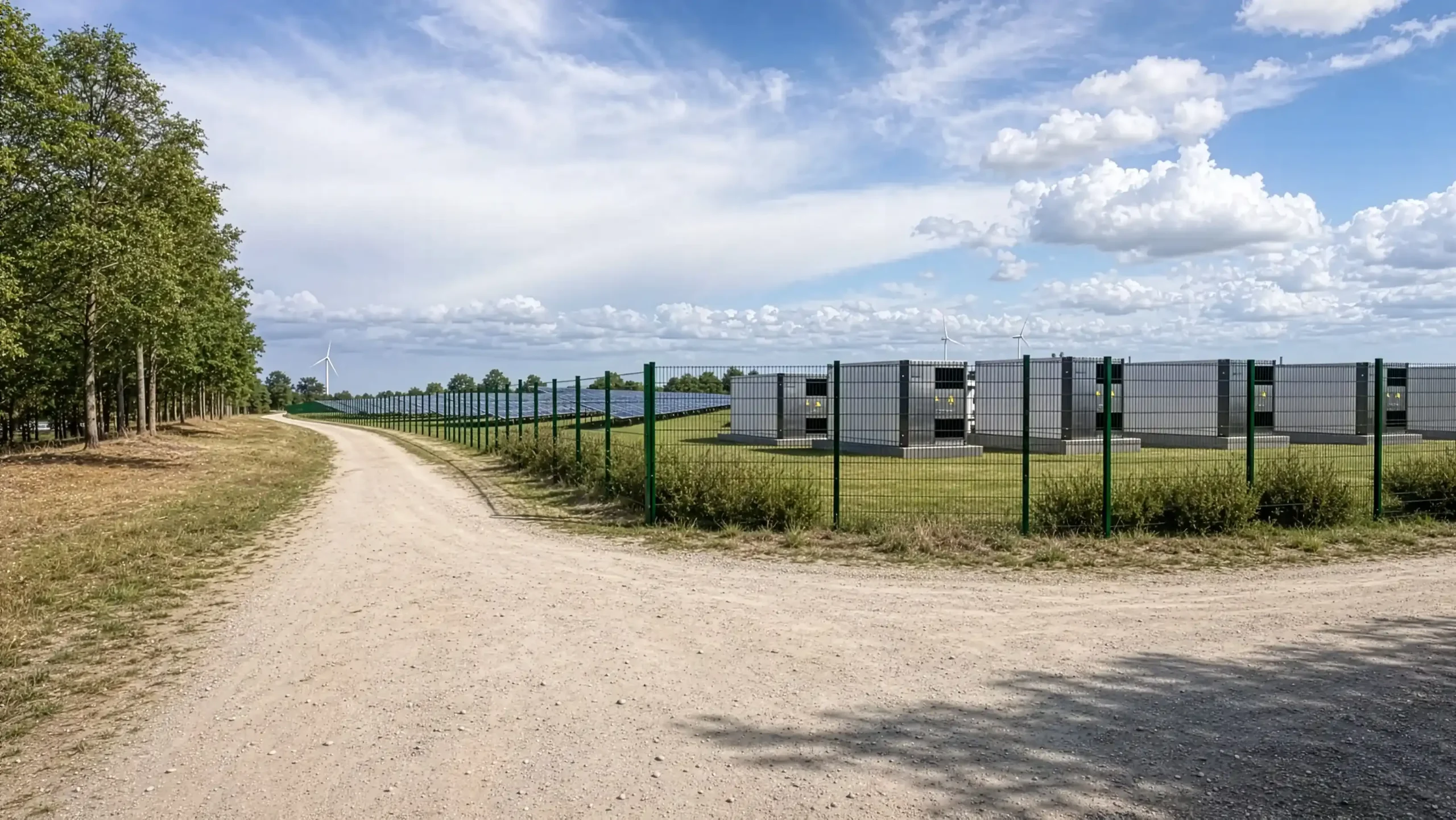
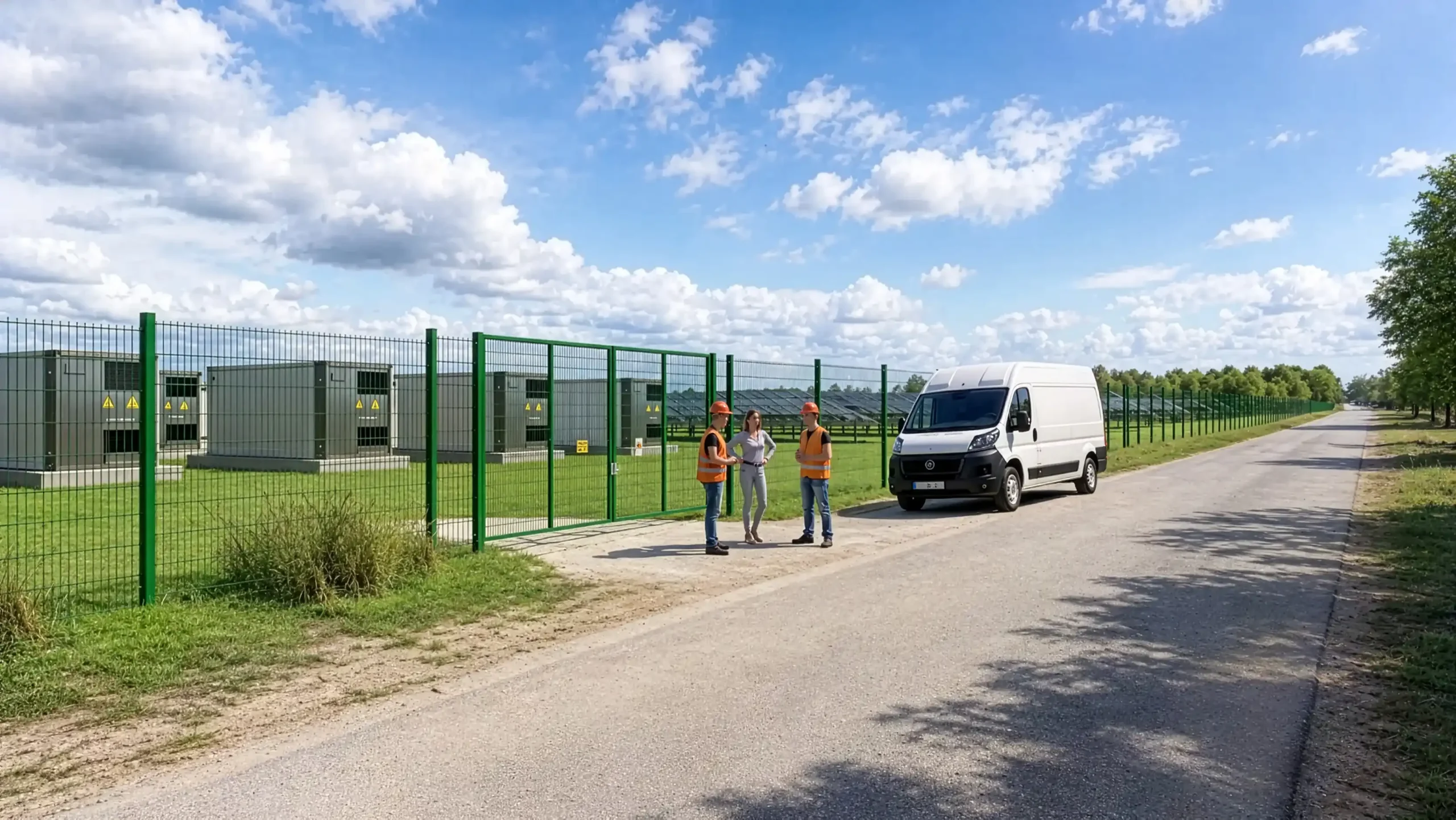
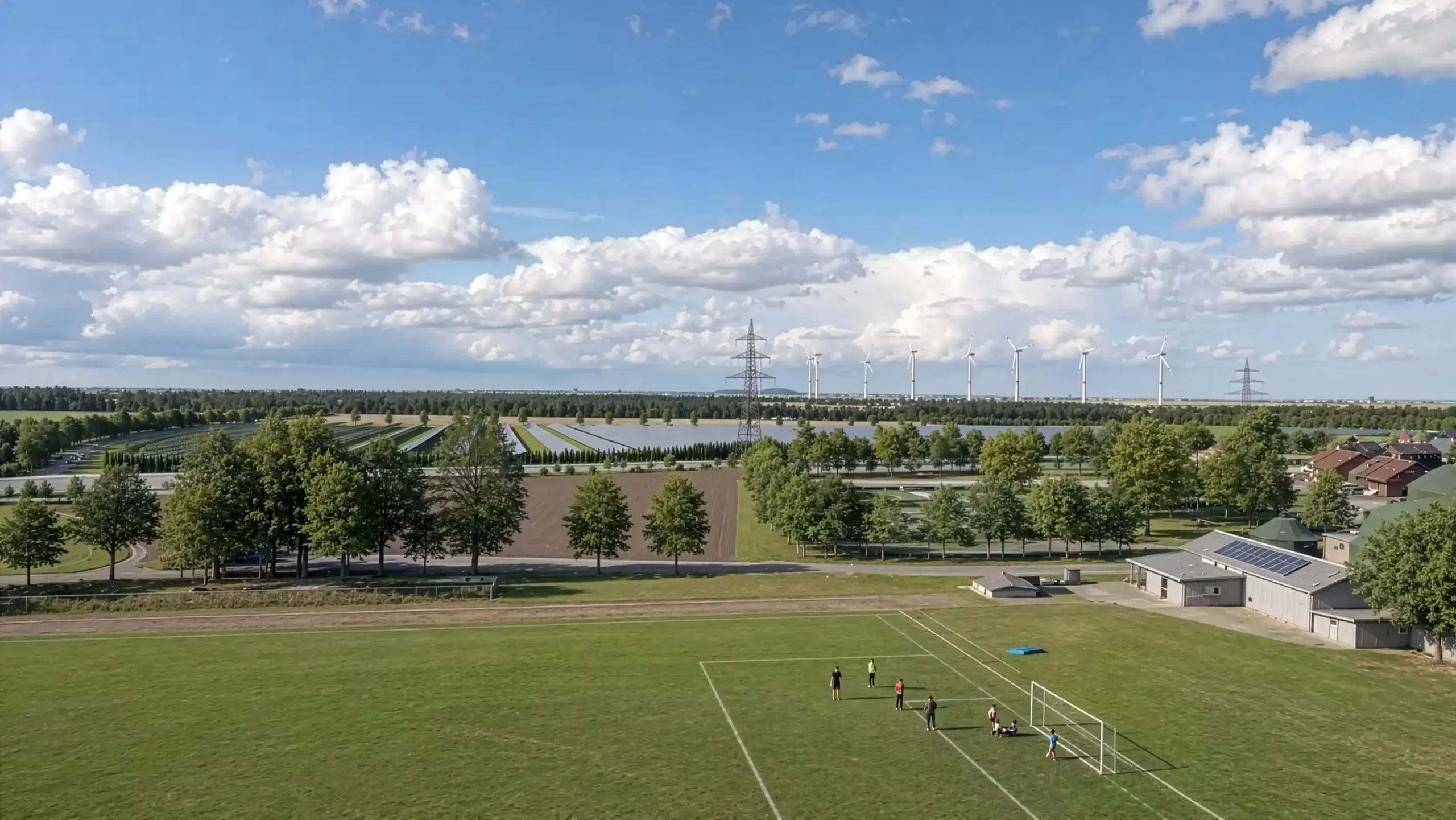
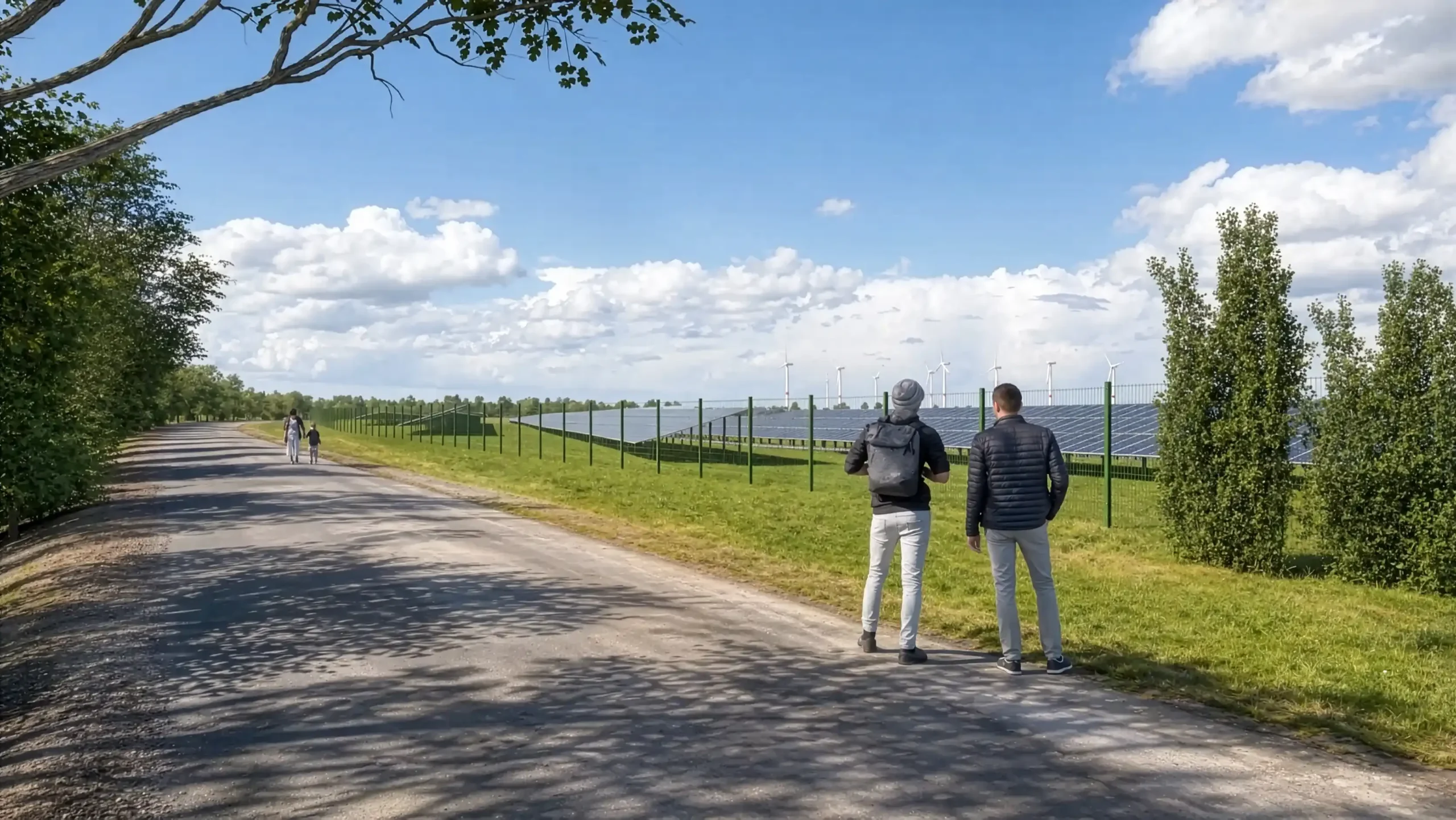
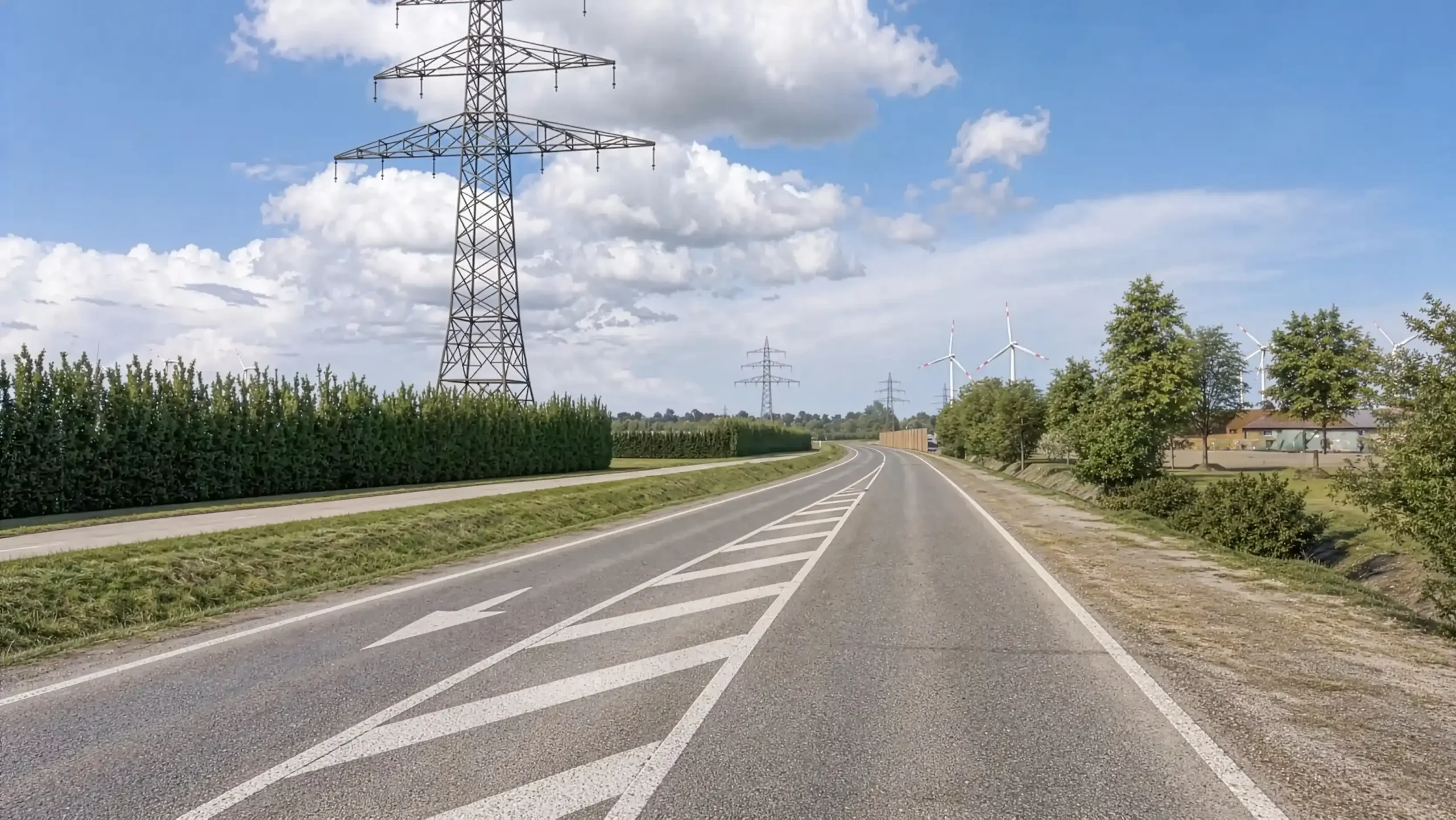
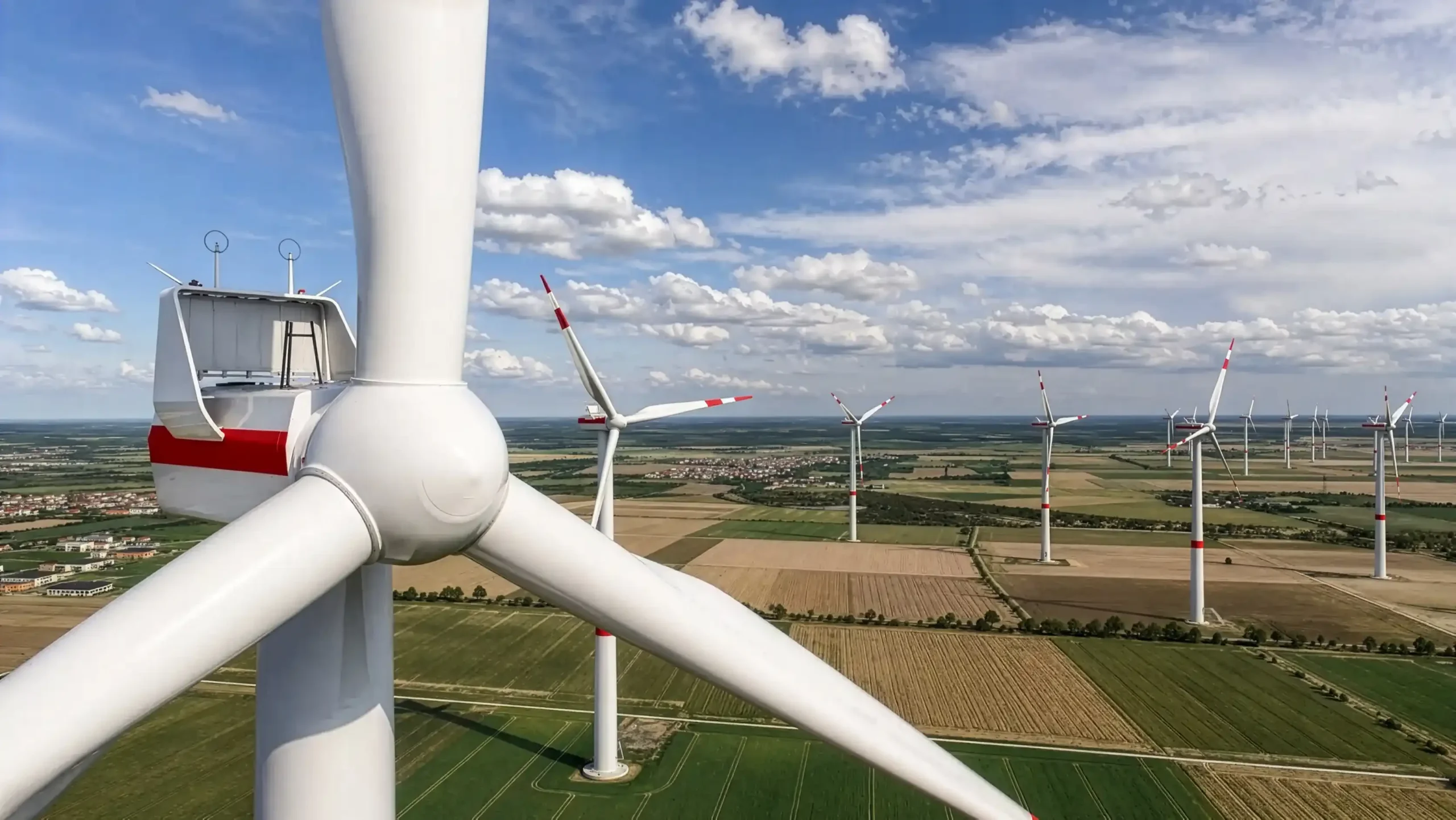
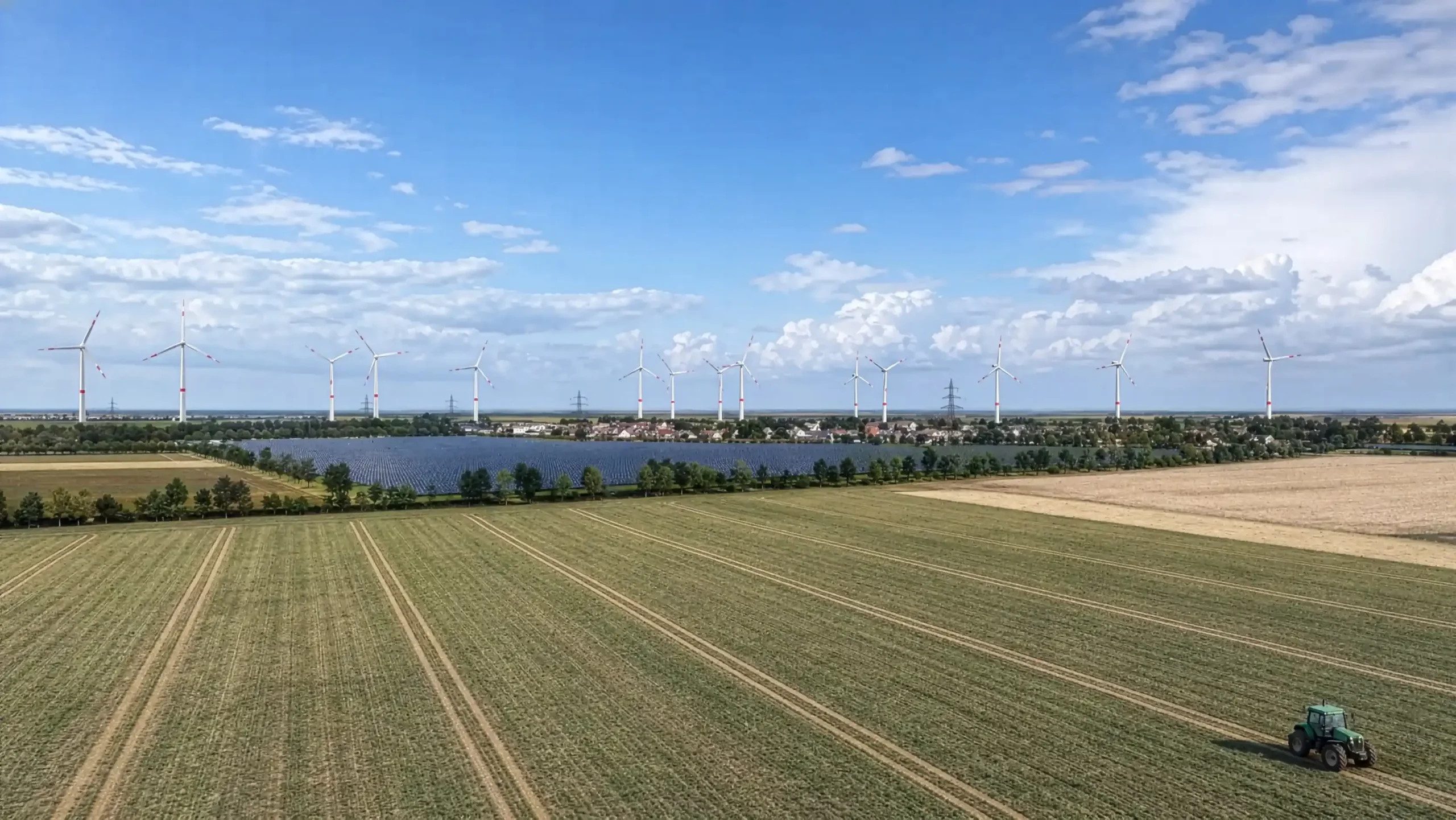
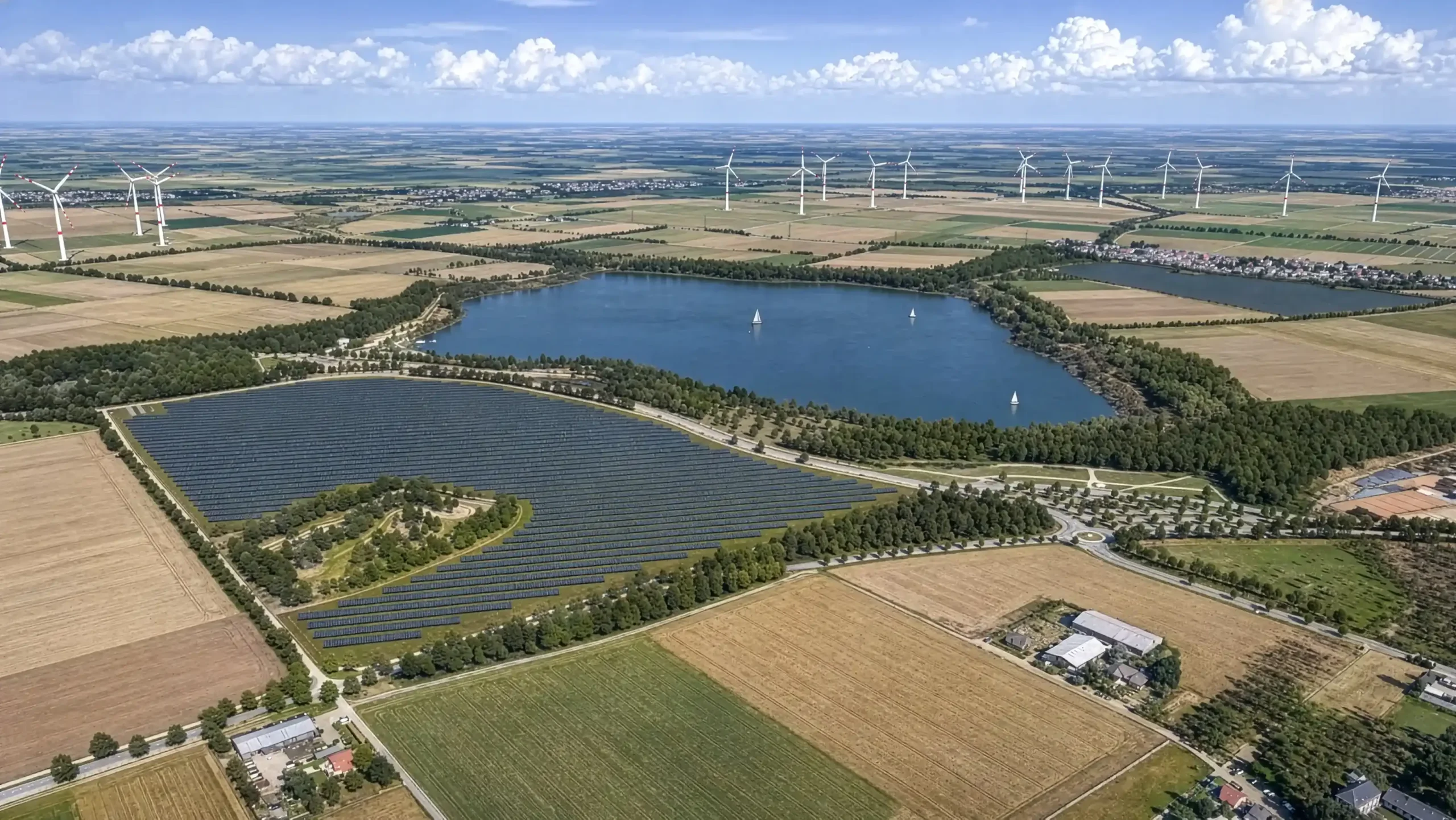
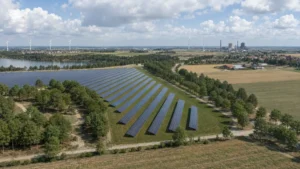
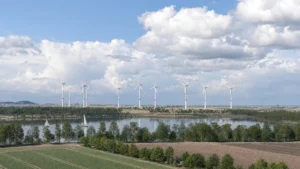
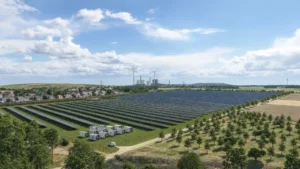
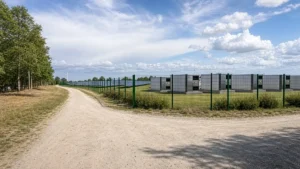
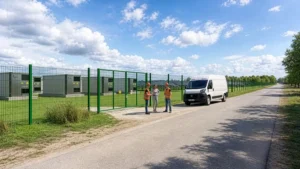
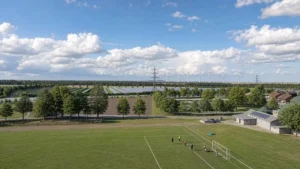
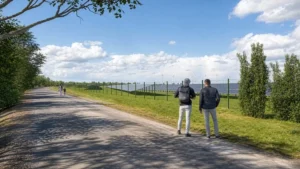
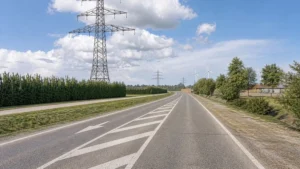
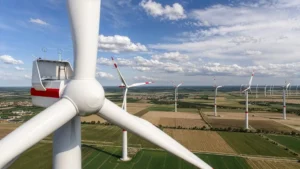
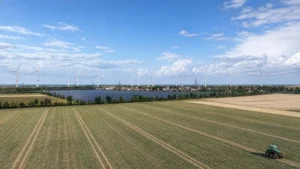
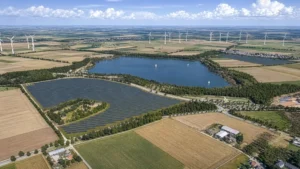
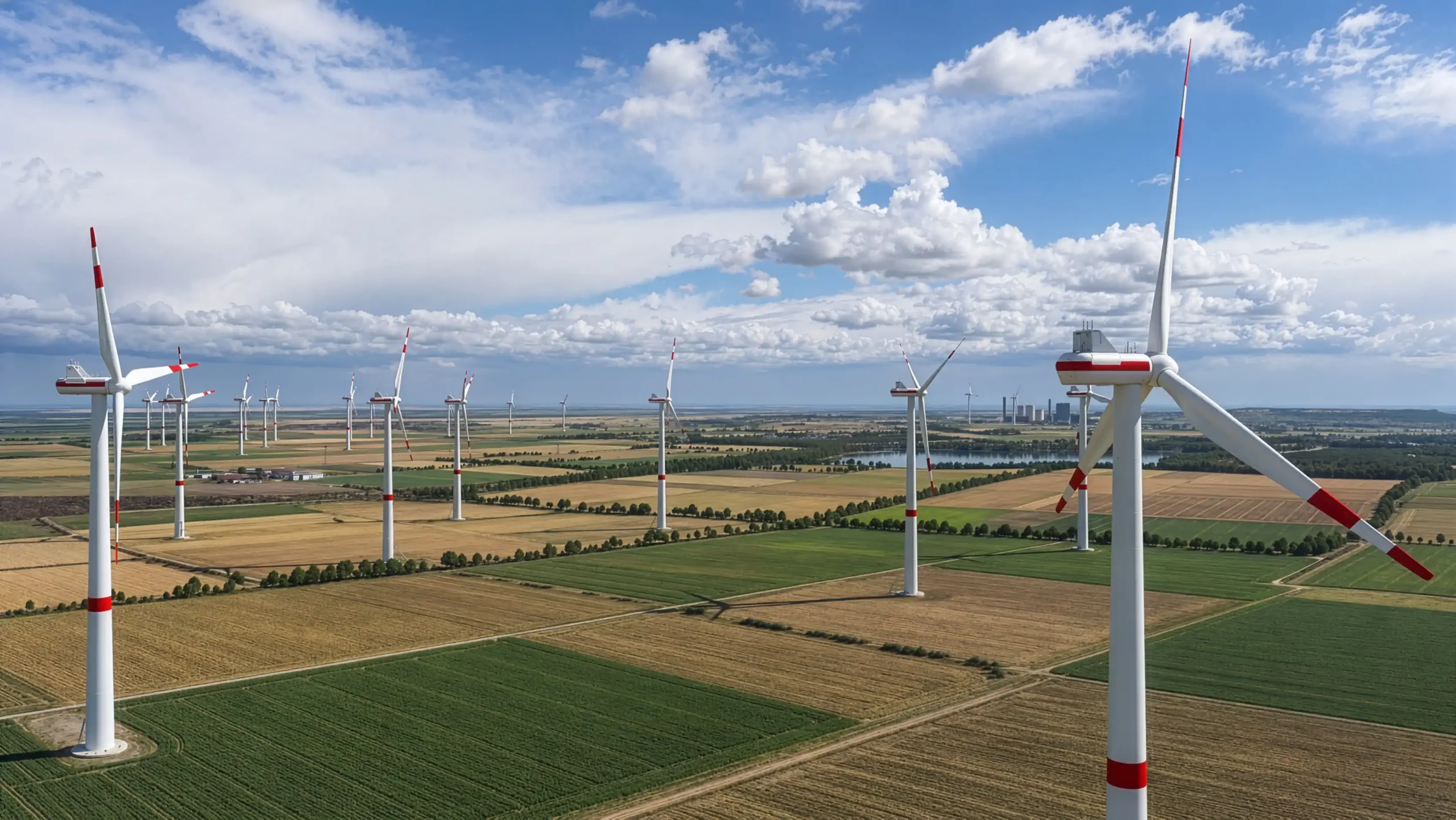
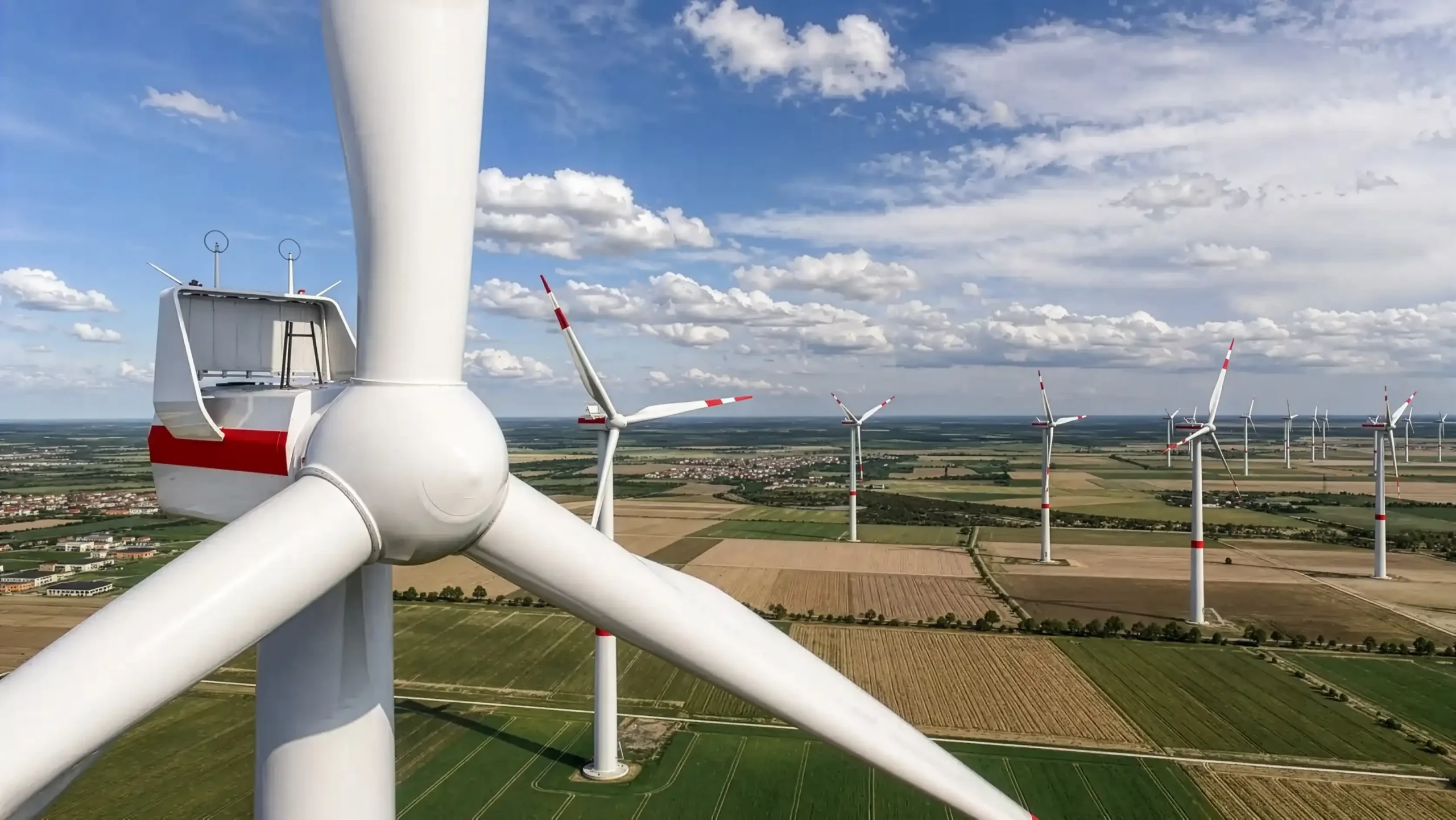
We use the same technology for the visual inspection of wind turbines. Once the digital terrain, including surrounding buildings and wildlife, has been prepared, every conceivable camera position can be checked.
Solar Park Visualization VIDEO Examples
The video shows current projects of the Möhring Energie Group.
https://www.moehring-energie.de
Solar park visualization Stöhr+Sauer Helios 3D Möhring Energie
https://www.youtube.com/watch?v=Ag_BLHf8rTk
Further examples
BKW - Alpine solar installations
Solar park at german highway
Solar park visualization
Solarpark
Photovoltaik
Visualisierung
Wir erweitern auf Wunsch auch wichtige Bereiche mit zusätzlichen Objekten, damit die Präsentation noch überzeugender wirkt.
Eine der wichtigsten Gründe für eine Visualisierung ist zum Beispiel das Veranschaulichen der Hecken- bepflanzung rund um den Solarpark. Mit einem Überblendeffekt kann man im Video die Parkbegrenzung ohne und mit Bepflanzung demonstrieren.
Durch den Einsatz von korrekter Sonnenlichtsimulation und der Berücksichtigung der Geoposition können in der Animation auch Schattenstudien gezeigt werden.
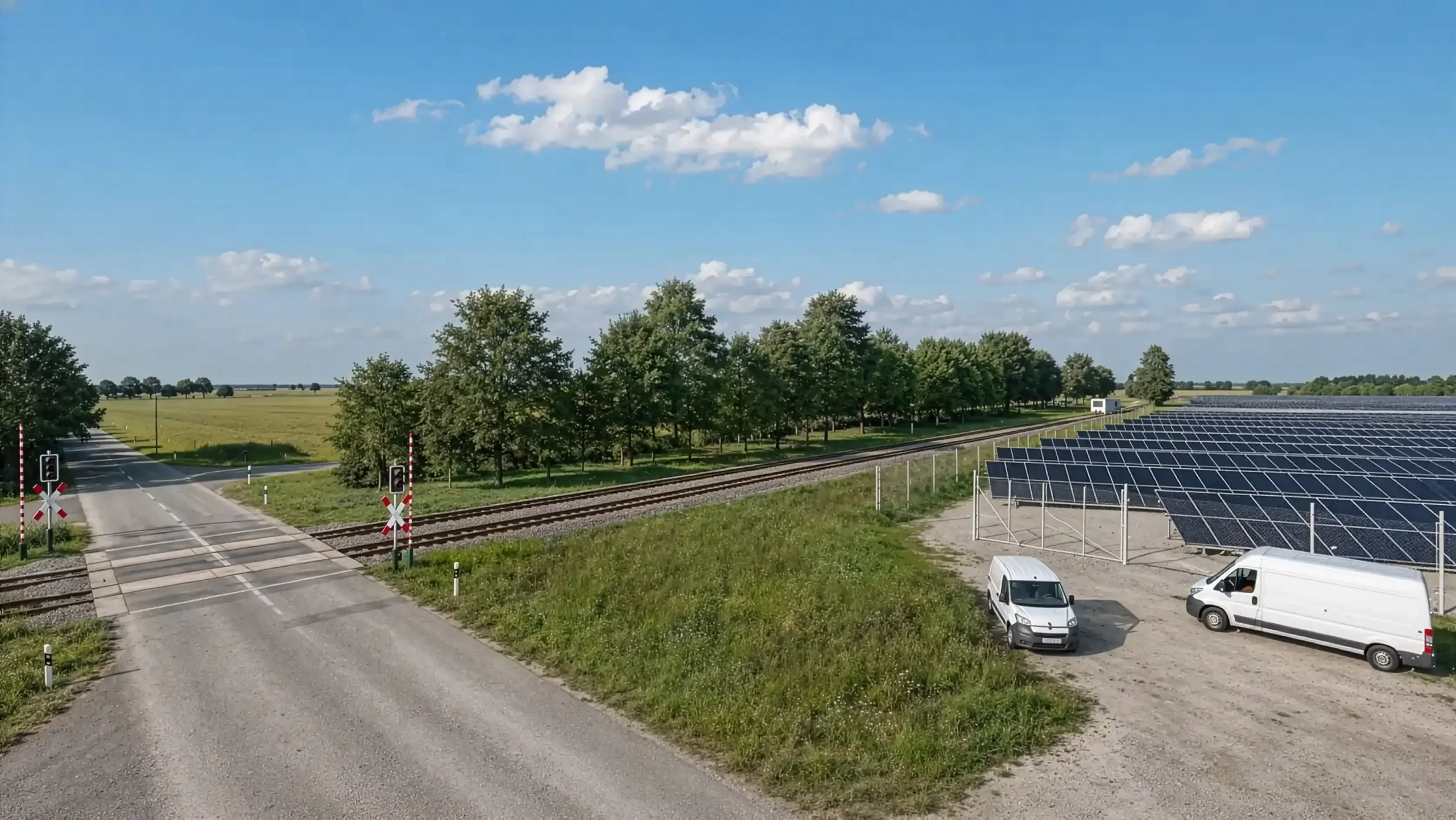
Beispiel: Ohne Solarpark / mit Solarpark / Solarpark mit Sichtschutz
Häufig sind mehrere Varianten einer Tischbelegung angedacht. Dann ändern sich viele Dinge im Umfeld. Zäune, Sichtschutz und Vegetation werden dann an die jeweilige Situation angepasst. Durch die Layertechnik kann man dann zwischen den verschiedenen Tischbelegungen hin- und herschalten.
Über Microsoft Teams kann jederzeit eine Bildschirmübertragung erfolgen. So besteht immer die Möglichkeit den aktuellen Projektstand zu besprechen oder gemeinsam wichtige Details (zum Beispiel Kamerapositionen) in der Software festzulegen.
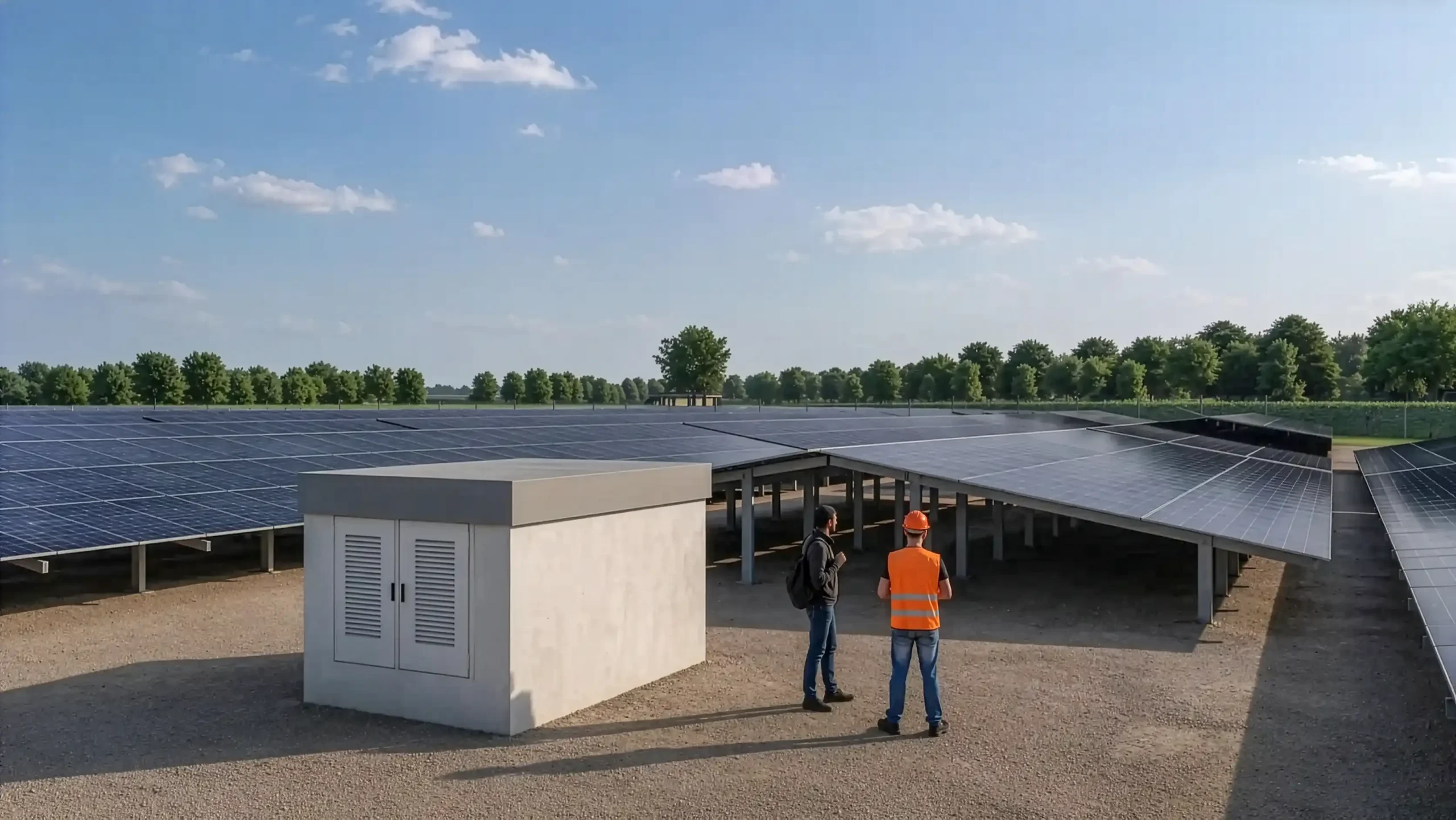
Für jede einzelnene Kameraposition wird ein roter nummerierter Marker auf dem digitalen Geländemodell eingefügt. Dieser zeigt dann in der Übersicht die Position und zusätzlich die Blickrichtung an. Weitere Bilder zeigen dann genau diese Kamera mit und ohne Sichtschutz.